 Swarmcord
 coordinates the work.
Organize a goal into tasks, responsibilities and handoffs across supported agents and tools. The aim is to keep work connected as it moves between applications and platforms.
Swarmcord and Denizens
Swarmcord is being built to coordinate multi-agent workflows across applications and platforms. Denizens is the all-in-one, local-first workspace where you can work directly, use AI assistance, and follow the work as it happens.
Current milestone: Denizens 0.6.80 is in private Windows testing. No public download yet.
Inside Denizens
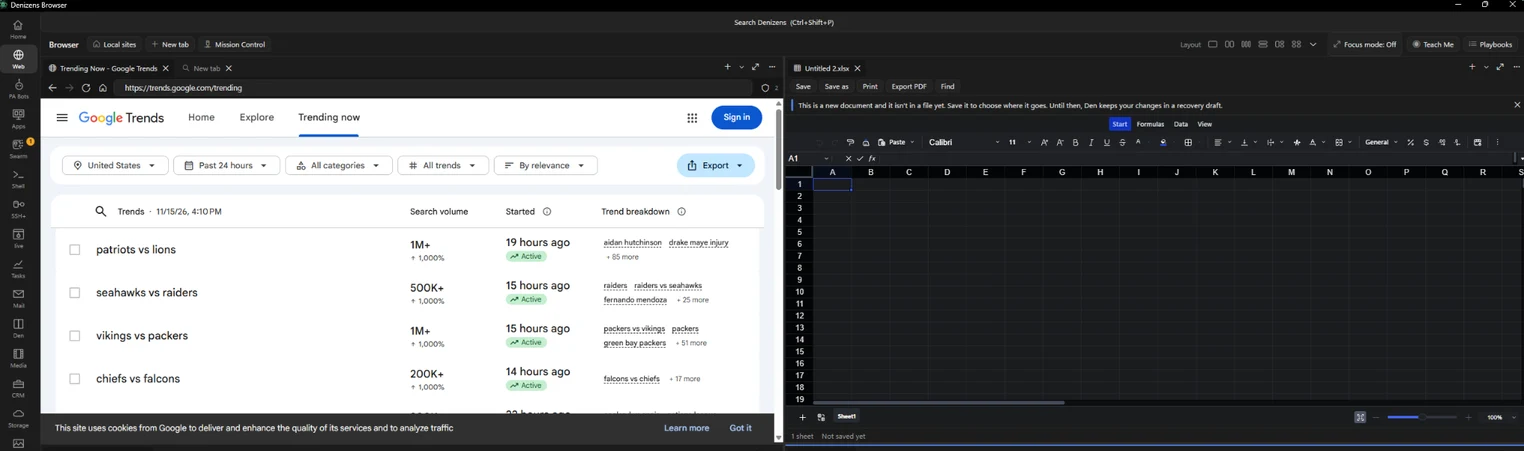
Product video · 1:09
See the workspace for people who manage AI agents, with tools to do your own work and review what agents produce.
Real screenshots
Captured from the development build. Views are cropped or redacted where needed. Some integrations are still in progress.
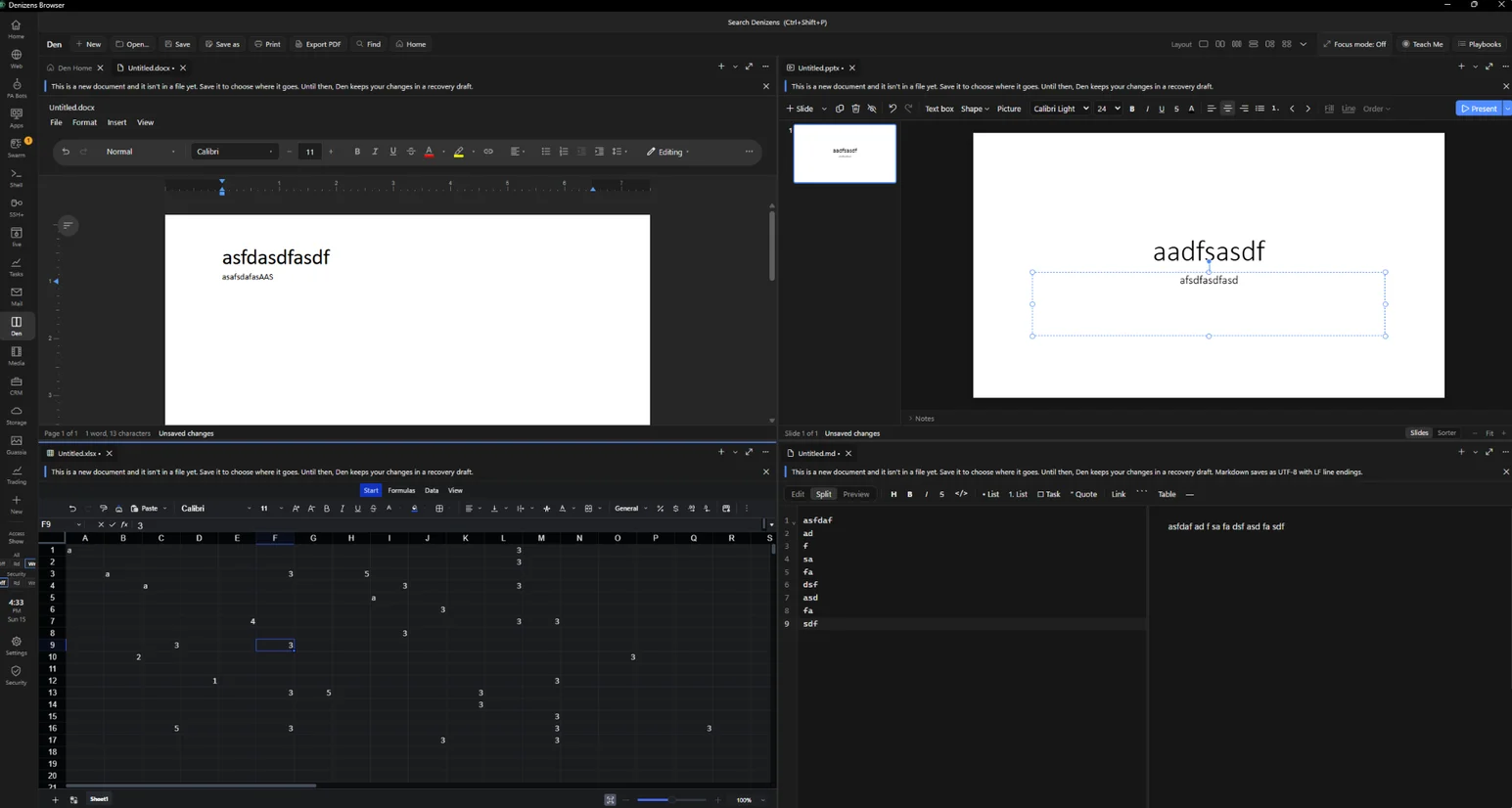
Keep your draft, deck, spreadsheet, and notes visible at the same time.
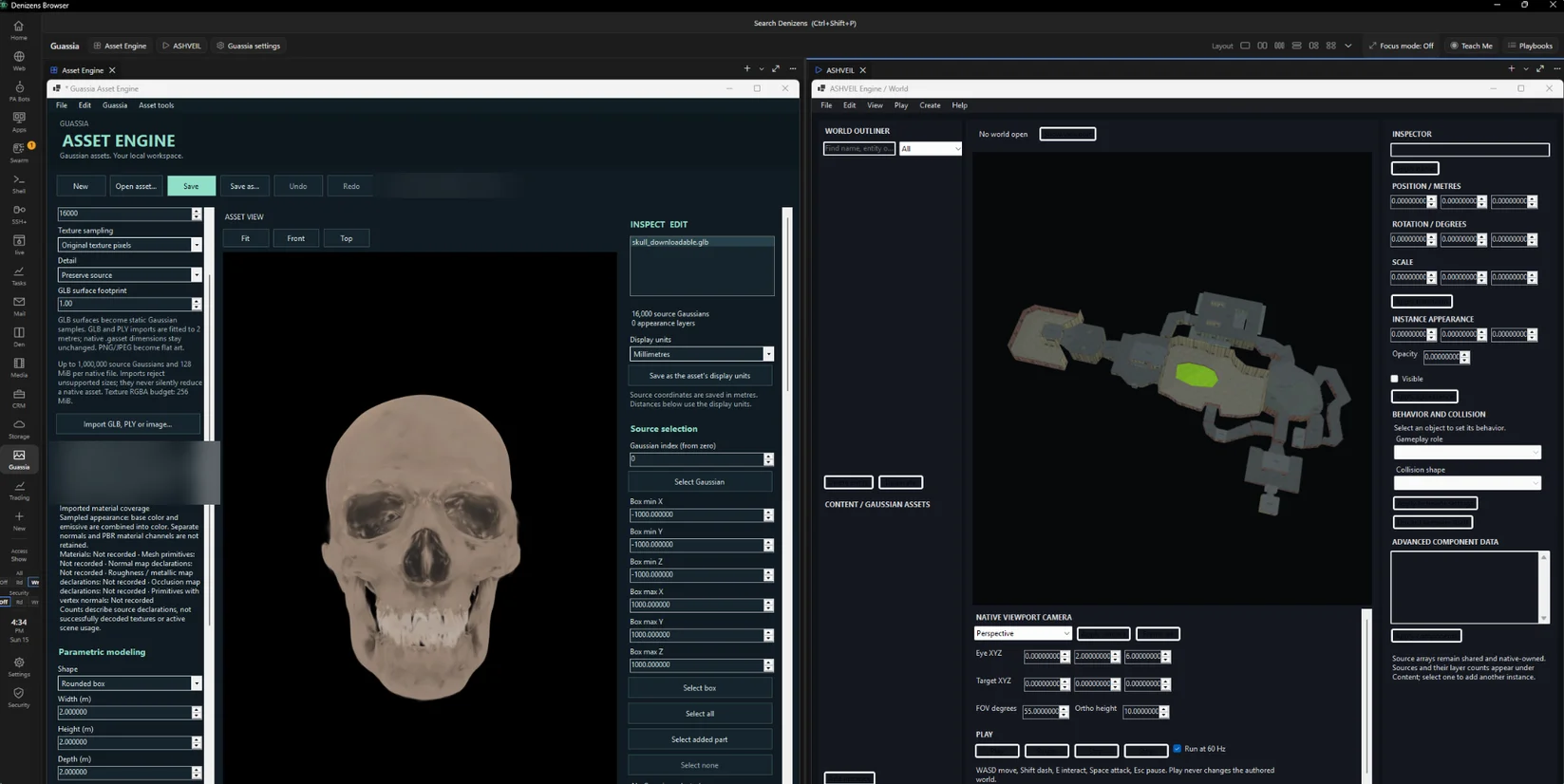
Use browser-based modeling and map tools in neighboring panes.
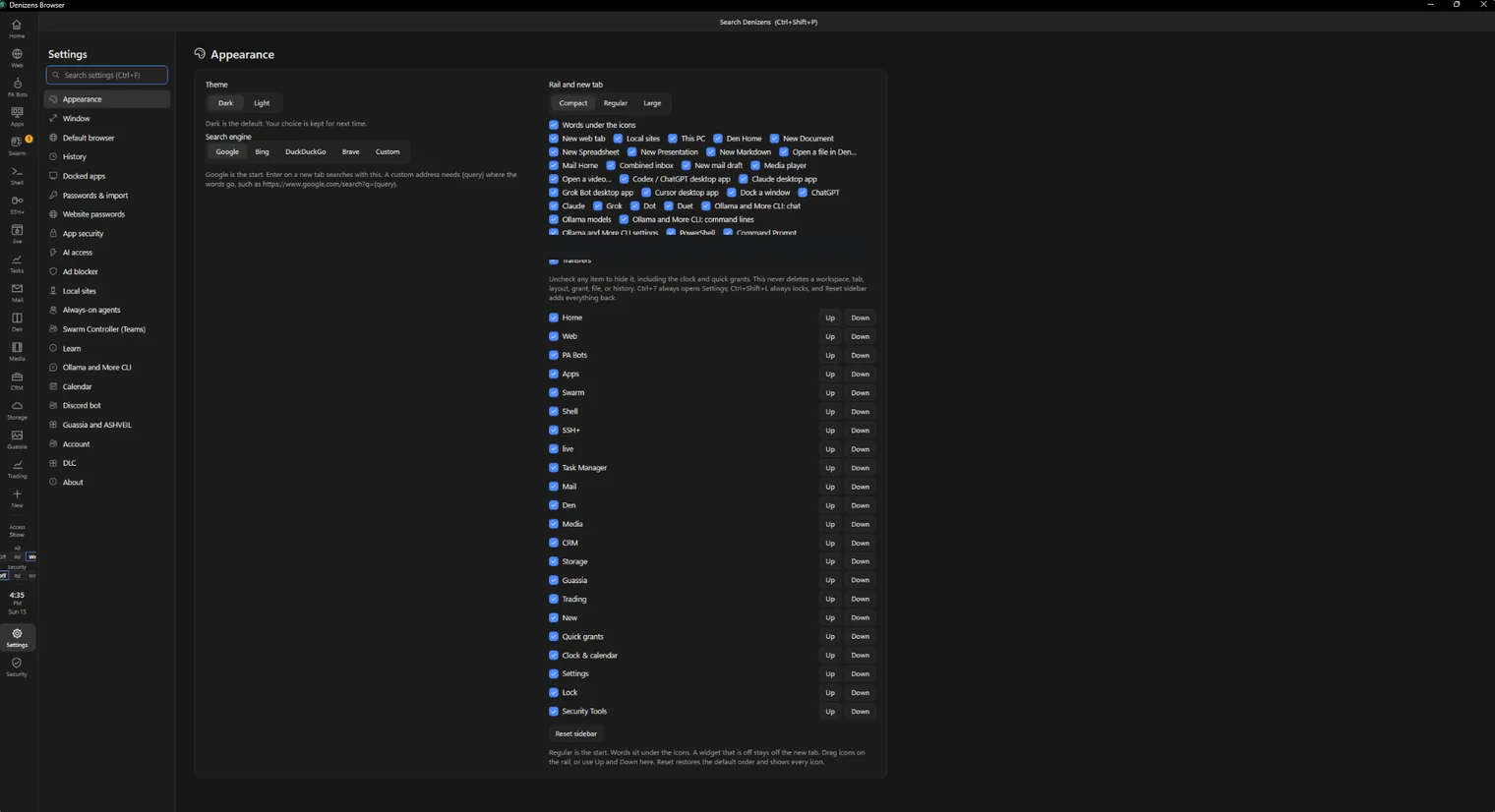
Choose what appears in your layout and which tools stay close at hand.
The pieces fit together
Organize a goal into tasks, responsibilities and handoffs across supported agents and tools. The aim is to keep work connected as it moves between applications and platforms.
Bring browser tabs, terminals, files, applications and AI tools into a full-screen environment with dockable panes and saved layouts.
Follow goals, tasks, agents and progress from within Denizens. Connecting the dashboard to complete live workflows is a current development priority.
Work your way
Start with a goal, organize the steps yourself, or combine hands-on work with AI assistance.
We are building continuity between the dashboard, your applications and the agent’s work so you can inspect progress, change direction and take over when needed.
Describe the result and choose the tools and connections the work needs.
Follow the relevant tabs, terminals, files and task progress in your workspace.
Check the output and decide what happens next.
Denizens brings together browsing, terminals, files, media, AI tools and Den, its office suite. The CRM workspace is built and in final polish. Mail supports everyday communication workflows.
Capabilities and connections vary by application; broader workflows are still being integrated.
MCP at the foundation
The Model Context Protocol (MCP) gives compatible agents a way to use supported browser, terminal and application tools with the access you allow. The goal is consistent tool access across the workspace, with clear permissions and understandable results.
Explore agent tool access →Local first
Local files and supported local tools form the foundation. Online AI services, websites, mail and remote integrations need their respective connections and accounts.
Local AI also needs a compatible model and the resources to run it.
Current priorities are connecting Swarm Controller with Denizens, completing real workflows from goal to reviewed result, expanding MCP coverage, and verifying recovery and local operation.
The live-workspace target is up to 64 open items per workspace, including agent-controlled tabs and terminals.
Follow the roadmap →The planned offer is a free Denizens core, with optional paid MCP Tools, CRM and Swarm Controller add-ons. The Guassia and ASHVEIL component is planned as a free add-on.
Public pricing, bundles and access terms are not yet finalized. Third-party services may have separate accounts, terms and charges.
Explore the features, follow development, or tell us about the workflow you want to bring together.
Know what’s added and what’s next. Explore the private-build capabilities and the work remaining before public release.
Features & progress →